Sign up with GitLab
Silex uses GitLab as your storage and (free) hosting backend. If you don't have a GitLab account yet, here's how to create one in the Silex login flow — and how to get past the common sticking points.
The video has no audio and works in any language — it's a silent walkthrough you can follow along with.
Why GitLab? GitLab gives you free storage for your site files, free hosting via GitLab Pages, and version history. Silex builds on top — no Silex account, no Silex database, no lock-in. See What is Silex for the full reasoning.
Two instances to choose from
- gitlab.com — the main public instance. Recommended for most users. Several verification steps required (see below).
- Framagit — a libre alternative hosted by Framasoft, a French nonprofit. No tracking, no ads, no SMS or credit card verification. Choose this if you'd rather not go through GitLab's anti-spam gauntlet.
You can switch between instances later by signing out and in again — they're independent accounts.
Step-by-step on gitlab.com
⚠️ Brace yourself before you start. New gitlab.com accounts can hit several anti-spam checks before they can publish:
- Email verification code
- Captcha (sometimes multiple in a row)
- SMS verification (always required, no exception)
- Credit card verification in some cases — GitLab does a $0 authorization to confirm the card is real. No money is charged, the card is not stored on your account, no recurring billing. This is the moment many users abandon. If you don't want to share a card, use Framagit instead.
Which checks appear depends on your country, IP address, browser, and GitLab's anti-fraud signals on the day. There's no public list of who gets what.
This intrusive flow is a real obstacle to onboarding, and a privacy nightmare. It's one of the main reasons we're building Silex Desktop — a fully local alternative that requires no third-party account at all.
Important: start from Silex, not from GitLab directly. Going through Silex is what triggers the OAuth handshake that links the two.
- Open v3.silex.me in your browser.
- Click GitLab.com on the Silex login screen.
-
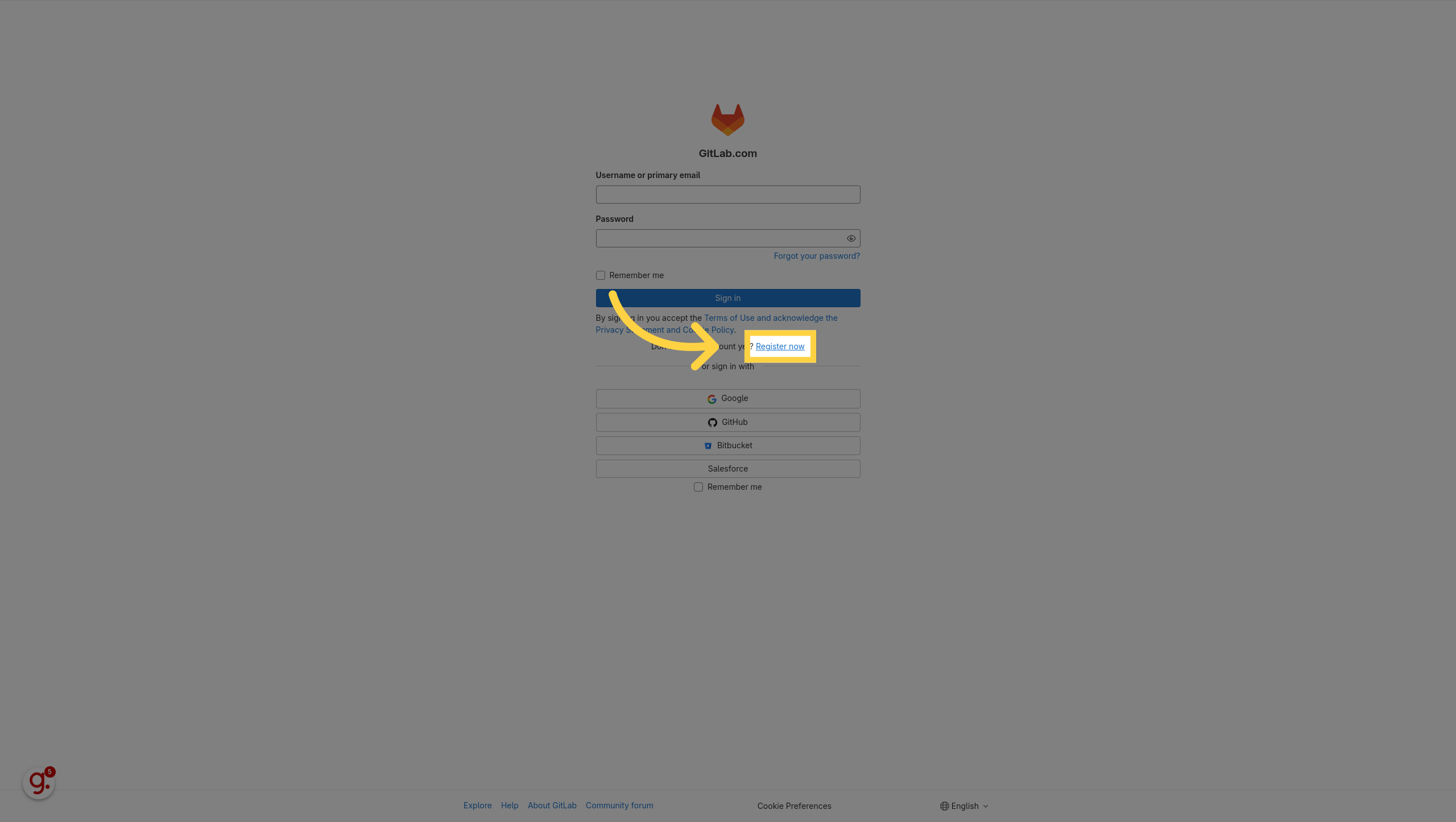
On the GitLab page that opens, click Register now.
-
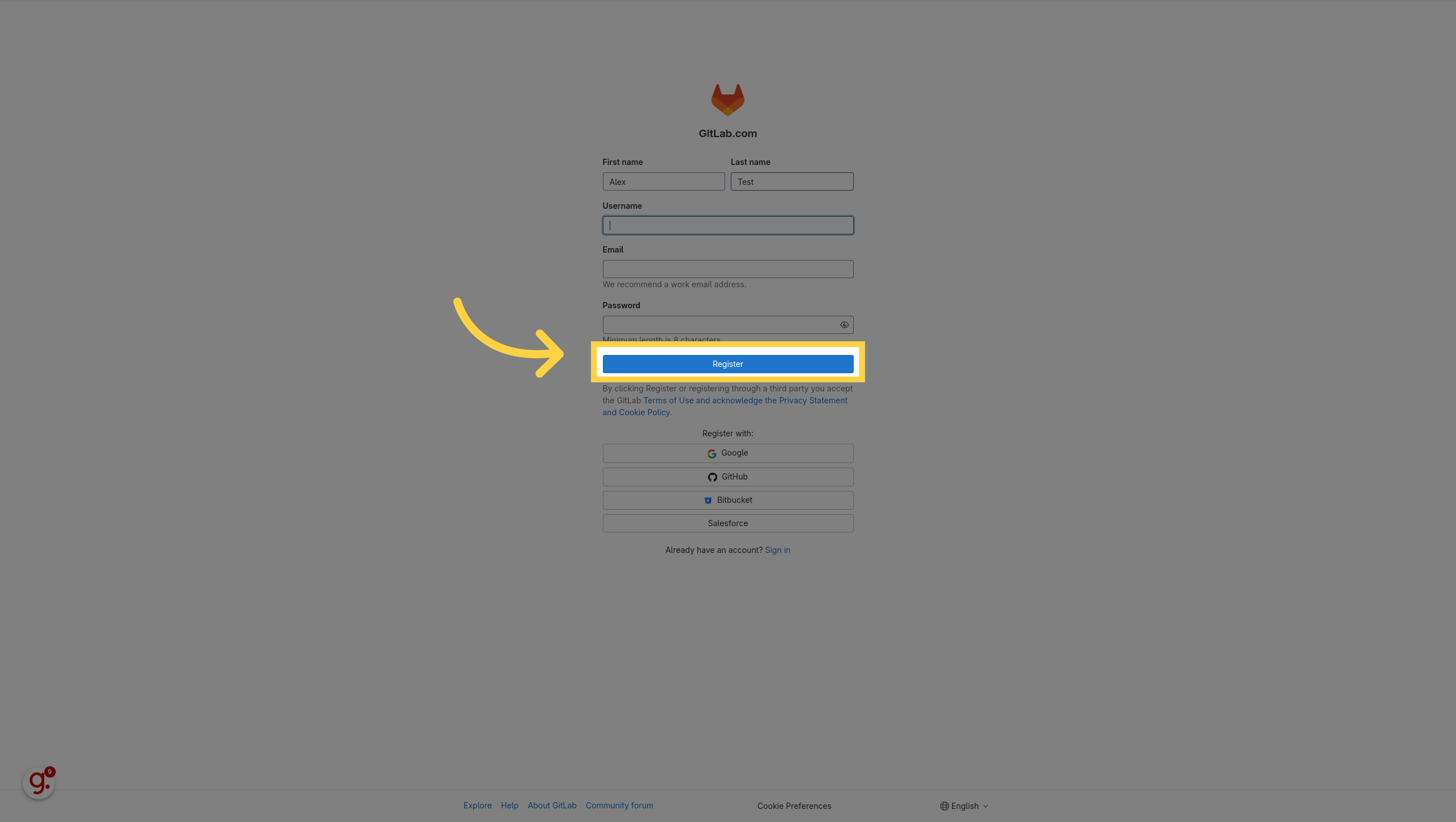
Fill in your name, username, email, and password, then click Register.
-
Confirm your email — GitLab sends a verification code, paste it in the form.
- Solve the captcha(s) if asked.
- Verify your phone number by SMS.
- If GitLab asks for a credit card, follow the warning above — it's a $0 anti-fraud check.
- GitLab shows a few statistical questions ("how did you hear about us"). They don't affect anything — pick anything and click Get started!
-
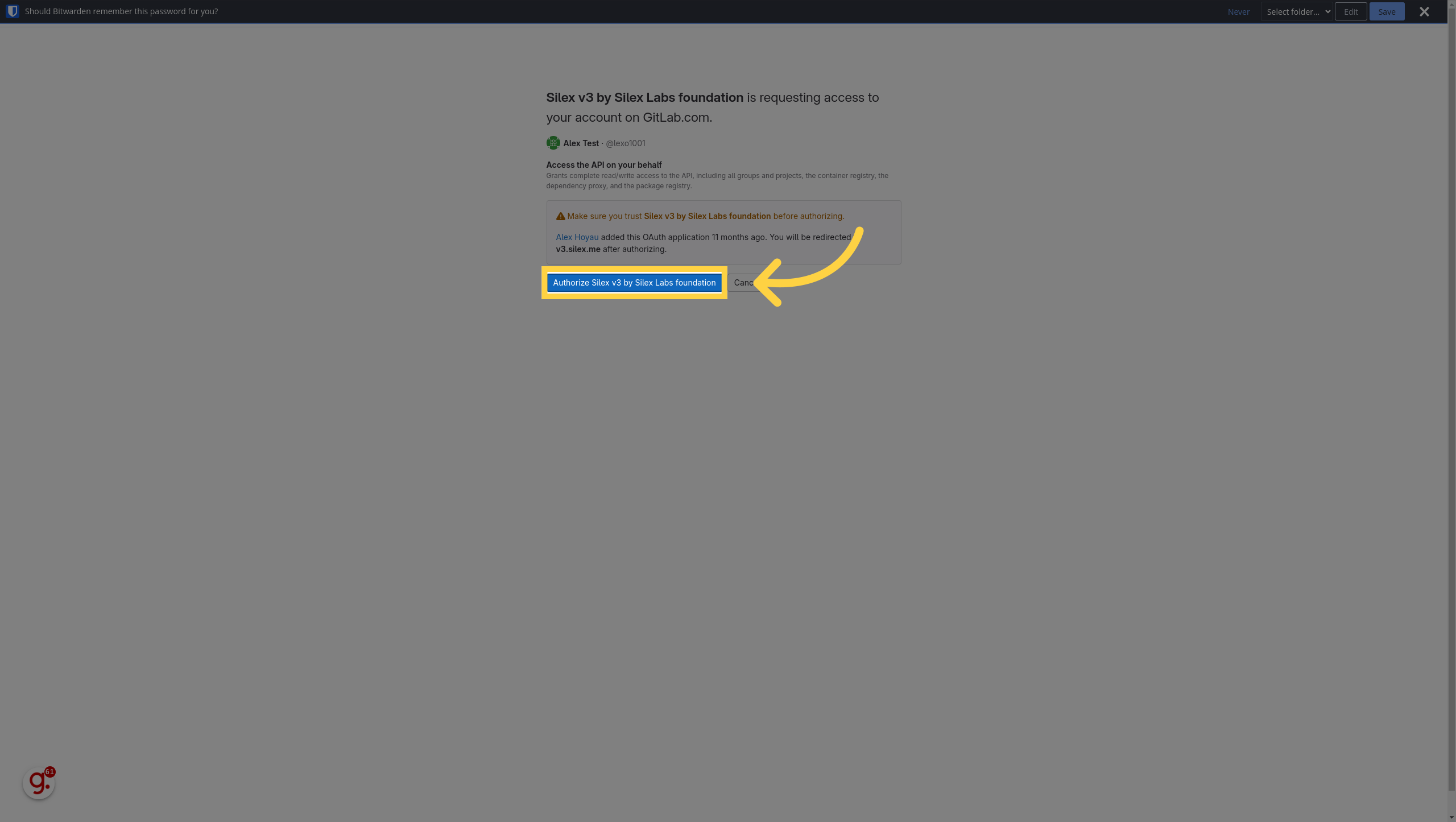
GitLab asks you to authorize Silex v3 by Silex Labs foundation. This is the OAuth step that lets Silex create repositories on your behalf. Click authorize.
-
You're back on Silex with an empty dashboard. You're done.
Step-by-step on Framagit
Almost identical, with two big differences: - No SMS, no credit card, no captcha gauntlet — Framasoft doesn't impose them - The interface is in French by default — switch language in your profile settings if needed
The flow is the same: click Framagit on the Silex login → register → confirm email → authorize Silex.
Common issues
Publication fails because the account isn't verified
You log in to Silex, build a page, hit Publish, and get an error like "Pipelines must be enabled to publish." GitLab.com requires phone (and sometimes credit card) verification before allowing CI/CD jobs — which Silex uses to build and deploy. Go to GitLab → User Settings → Account and complete any pending verification, then retry the publish.
Email verification code not received
Check your spam folder. If it's still missing after five minutes, click Resend code on the GitLab page. Some corporate mail filters delay or block GitLab — try a personal address if you can.
"Username already taken"
GitLab usernames are global. Pick something else — your username doesn't appear publicly on your Silex sites unless you choose to use it as part of the subdomain.
"Why all this for a website builder?"
Short answer: Silex doesn't run on its own infrastructure. Your files live in your GitLab account; your site is hosted on your GitLab Pages. There's no Silex server holding your data — you can leave anytime, files intact. That trade-off requires a one-time GitLab signup, with all the friction GitLab adds on top for anti-spam reasons.
If even that friction is too much, Silex Desktop is the future-proof answer: same Silex experience, but local-first and no account needed. It is in early alpha for now, so expect some rough edges. The longer answer is in What is Silex.
Next step
Once your account is set up and you're back on the Silex dashboard, continue with Quick Start: Create your site.
Edit this page on GitLab